€324.95 €799.95Price range: €324.95 through €799.95
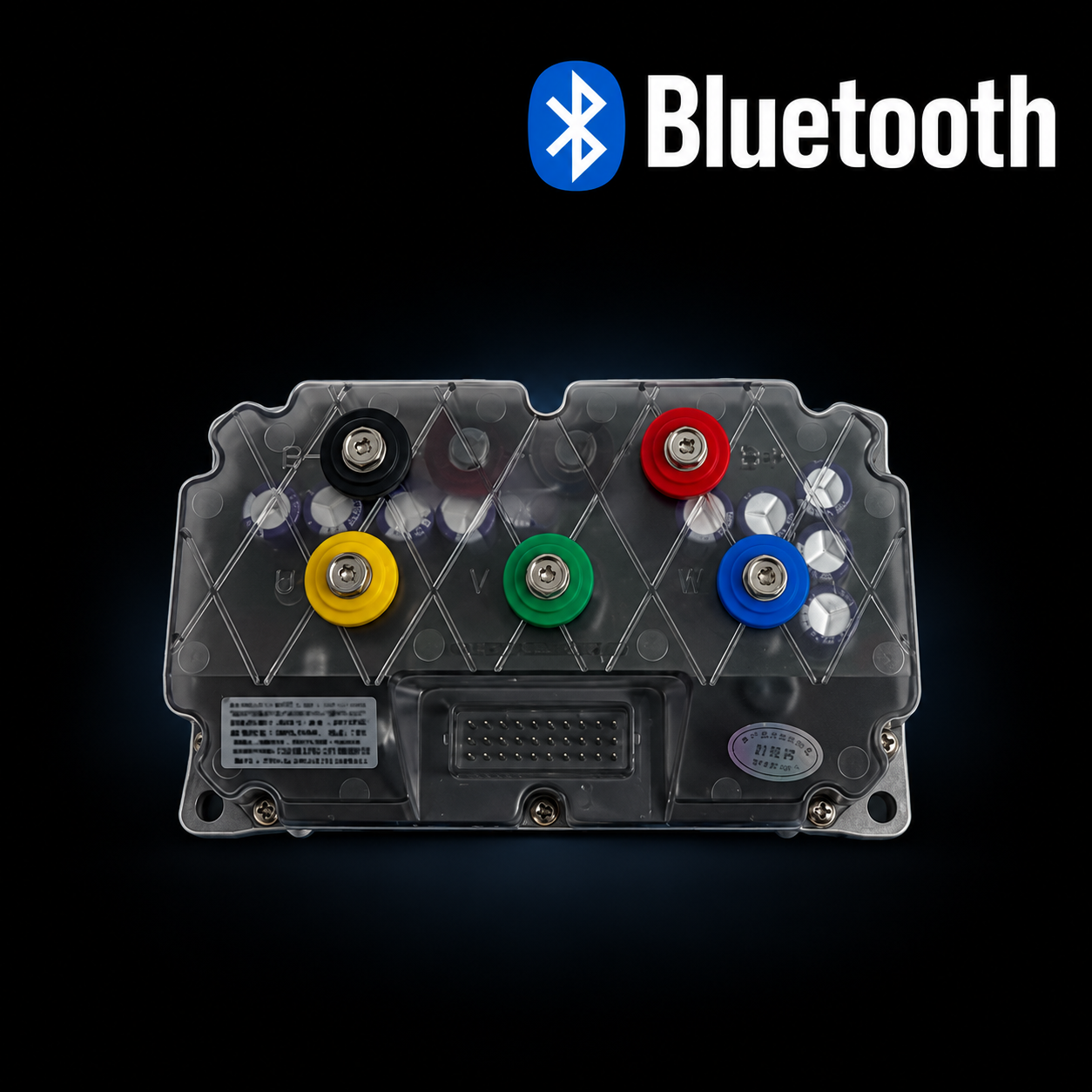
This listing uses the same Bluetooth controller family as the compatible NIU model-specific controller pages and adds larger controller options for performance builds.
Description
NIU Bluetooth controller: regular speed upgrades and larger builds
This listing uses the same Bluetooth controller family as the compatible NIU model-specific controller pages and adds larger controller options for performance builds. For a regular speed upgrade with the original motor and battery, select the recommended compatible controller. Higher-current versions require a suitably matched battery, BMS, motor and wiring. Choose the correct model adapter, purchase the controller, then follow the supplied programming instructions.
This Bluetooth controller replaces the original NIU controller and lets you program speed, acceleration, current and braking-related settings from your phone. It supports selected NIU N-Series, M-Series and U-Series scooters using the correct model adapter.
Which controller should I choose?
Simple speed unlock
80A Line / 260A Phase
Recommended for the original motor and battery. This is already sufficient because the original NIU battery system normally supplies up to approximately 45A.
72V battery upgrade
190A Line / 450A Phase
Choose this when adding a larger 72V battery and requiring more current headroom. The usable settings must still match the battery, BMS, wiring and motor.
Heavy performance
Larger controller models
Only useful for a complete build with a larger performance motor, high-output battery and BMS, suitable cables and matched programming.
Compatible scooters
- NIU NQI / N1S / N1
- NIU MQI+ / M+ / M1 — up to 60–65 km/h
- NIU UQI GT — up to 65 km/h; NIU UQI+ / U1 — up to 55 km/h
- NIU SQI when its matching adapter is selected
FQiX and NQiX use dedicated controllers: view the FQiX controller or view the NQiX controller.
NGT, NGTS and MGT: these models use a compatible NGT / NGTS software service or MQI GT / MGT software service instead of this controller.
Current Bluetooth version
The older USB-programmable controller is out of stock and no longer produced. This Bluetooth controller page contains the current product options and the most up-to-date compatibility information.
How to replace the controller
- Turn off the scooter and remove or disconnect the battery.
- Open the trunk and remove the trunk insert, which is secured by four screws.
- Under the trunk, locate the original controller secured by four screws.
- Photograph the cable positions, then disconnect the five coloured battery and motor cables and the controller plugs.
- Remove the original controller, install the Bluetooth controller and reconnect every cable firmly.
- Secure the controller and reinstall the trunk.
Bluetooth setup and programming
After installation, turn on the scooter and connect your phone to the controller through the supplied Bluetooth app. Run auto-learn so the controller can read the connected battery and motor configuration. Then enter the recommended maximum settings for your scooter and test at low power first.
You can program:
- Line current from the battery
- Maximum speed per riding mode
- Acceleration per riding mode
- Throttle response
- Regenerative braking and EBS
- Dual-battery or 72V settings
- Replacement motor parameters
- Additional controller functions
Installation, Bluetooth access and model-specific programming instructions are supplied after ordering.
What is included
- Selected Bluetooth controller
- Adapter for the selected scooter model, when required
- Installation and programming instructions
- Bluetooth programming app access
- After-sales installation and programming support through WhatsApp
Frequently asked questions
What setup is required after installation?
The supplied adapter connects the controller to the selected scooter. Auto-learn and model-specific programming are required after installation.
Can I use the original motor and battery?
Yes. Choose the recommended 80A Line / 260A Phase version for a simple speed unlock.
Why would I need a larger controller?
A larger controller is useful only when a larger 72V battery, higher-output BMS or performance motor requires additional current.
Can I configure a future motor upgrade?
Yes. Auto-learn and motor settings allow the controller to be configured for a compatible replacement motor.
Can the original controller be reinstalled?
Yes. Keep the original controller and it can be reinstalled later.
Before ordering and getting started
How fast will my scooter go?
NIU UQi+: 55+ km/h
NIU MQi+: 65 km/h
NIU UQi GT: 65 km/h
NIU NQi Sport / N1S: 70+ km/h
Which app and programming guide do I need?
Use the instructions supplied for the controller and adapter you ordered. If you cannot find them, send your order number and a clear controller-label photo so we can identify the correct app and guide.
Will this also fix a fault on my scooter?
A speed upgrade is not a diagnosis of an existing fault. If the scooter already cuts out, has an error code or does not run, send us the fault details before choosing a replacement controller.
What should I send if programming does not work?
Send your order number, exact scooter model, Contact support.
NIU Bluetooth Controller Video
Product video: NIU N1S Bluetooth controller: 75+ km/h
Watch this EScootParts video for a demonstration, installation guidance or more product details.
Product video: NIU NQI / N1S speed upgrade
Watch this EScootParts video for a demonstration, installation guidance or more product details.
Product video: NIU N1S unlocked controller upgrade
Watch this EScootParts video for a demonstration, installation guidance or more product details.
Original scooter functions: On a compatible model with the correct adapter and programming, this controller is designed to keep the scooter dashboard, lighting, alarm, NIU app and GPS functions. Confirm your exact scooter and controller setup before ordering; functions depend on the selected configuration.
Additional information
| Scooter Model | NIU UQI+ / U1 (55+ km/h), NIU UQI GT (65 km/h), NIU MQI+ / M+ / M1 (60–65 km/h), NIU NQI Sport / N1S (70+ km/h) |
|---|
5 reviews for NIU Scooter Bluetooth Controller (3 Modes & Programmable) (48-72V) (72260-722000)
You may also like…
NIU NQIX / NGT / N1S / N1 / MQI+ / M+ / M1 / UQI GT / UQI+ Scooter Brake Pads (Front & Back)
- €24.95
- Select options This product has multiple variants. The options may be chosen on the product page
Universal Shockproof Mobile Phone Holder (With Lock Mechanism)
- €24.95
- Select options This product has multiple variants. The options may be chosen on the product page
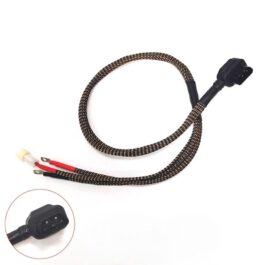
NIU Scooter Battery Cable Extra Thick (6 mm² or 8 mm²)
- €39.95 €49.95Price range: €39.95 through €49.95
- Select options This product has multiple variants. The options may be chosen on the product page

Related products
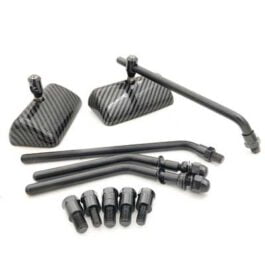
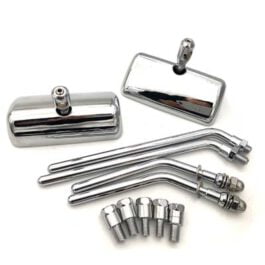
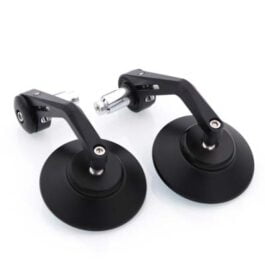
Custom Extra Thick Mirrors
- €49.95
- Select options This product has multiple variants. The options may be chosen on the product page
- Out of Stock
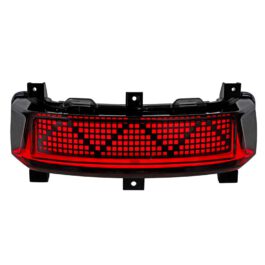
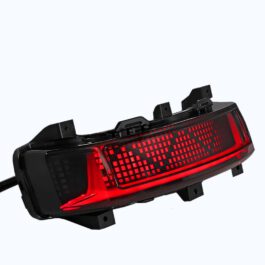
NIU MQI+ / M+ Matrix Rear Taillight
- €124.95 €129.95Price range: €124.95 through €129.95
- Select options This product has multiple variants. The options may be chosen on the product page
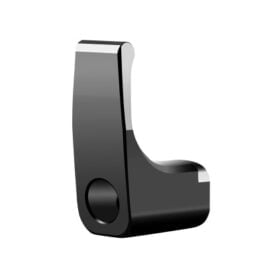
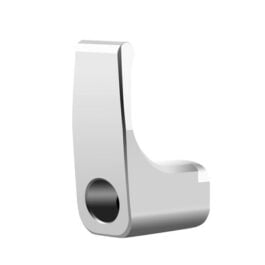
NIU Scooter M1 / U1 Grocery Hook (50KG)
- €24.95
- Select options This product has multiple variants. The options may be chosen on the product page
Gergely C. –
Excellent product and service!
Anonymous –
Top tier stuff. And also great support. I had questions before the purchase, problems with settings after installing, but they were always quick to reply and helpful.
You not just buy a controller but a great support!
Matthias –
Brilliant controller with great customization options. I’m absolutely thrilled by how much you can tailor it to your needs. The only downside is that you can’t download the app separately if you could, it would be a premium product.
Anonymous –
Also bought the 80/260 controller for my MQi+, which also was limited to 25 km/h. Had some issues removing the old controller since the original screws were stuck. After a slightly larger project than anticipated which involved using a mini rotary cutter to cut new grooves into two of the screws I finally reached the point that I could install the new controller. The original screws were too short to fit the new controller in my case, but after buying new ones that were long enough installing it was easy. The mini program used for the controller was intuitive, at least with the instructions included from Escootparts and their fantastic support, available on Whatsapp. My MQI+ feels like a new scooter now, even though I set the first of the 3 speed settings to roughly the old settings it’s just a lot more responsive AND I can now switch to a higher “gear” and go faster.
I paired the new controller with a new 50A battery which is also really good. I can’t speak to it’s long term quality yet as I’ve only had it a couple of months but it feels sturdy and has the expected capacity with going from a 30A battery to a 50A.
Anonymous –
Bought the 80/260 controller for my MQI+ that was limited to 25 km/h. After a bit of tinkering and awesome support through Whatsapp it now works great!
I’m now able to go about 50-55 km/h on a straight road. It would probably be faster if i didn’t weigh around 120 kg + moped 60 kg. The acceleration and hill climbing made a big difference as well. The app that lets you configure the controller shows a lot of information, like how many amps is currently being used, battery voltage and more.
Keep in mind that i’m still using the original NIU battery which is limited to 45A bus current. I’m waiting on a 48V 65Ah battery from escootparts that has 80A max current. It’s gonna be even more powerfull with that battery.
All in all i’m very happy with this purchase.